




Tutu eSIM for AI assistants (MCP)
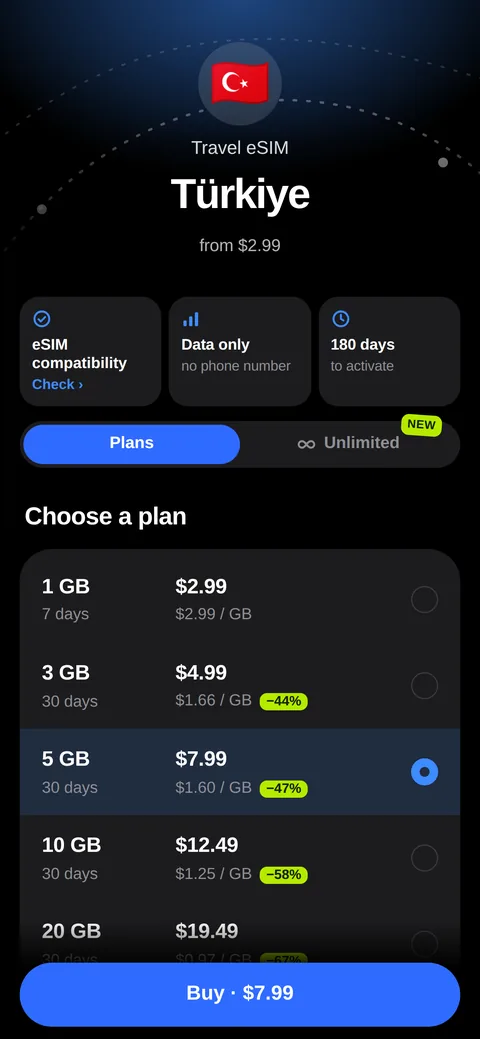
Connect Tutu eSIM to Claude, ChatGPT, Cursor or VS Code: the assistant finds a travel eSIM plan with today's price, compares prices and roaming, and tells what's blocked in a country.
Server URL
https://tutuesim.com/mcp
Streamable HTTP, no sign-in, no API key, read only.
What it can do
search_plansFind eSIM data plans
Data plans and unlimited day passes for a country or region, with today's price and a buy link.
Try: «I'm flying to Egypt for 10 days. Which eSIM with at least 10 GB is cheapest?»
get_countryeSIM coverage of a country
The mobile networks (4G/5G) and Tutu eSIM's plans in a country.
Try: «Which networks does the Thailand eSIM use, is there 5G?»
compare_pricesCompare eSIM and roaming prices
Other travel eSIMs' prices and Ukrainian operators' roaming, each price with its check date.
Try: «Compare eSIM prices for Turkey, 5 GB, with Kyivstar roaming.»
roaming_costWhat roaming with a Ukrainian SIM will cost
A trip's cost with Kyivstar, Vodafone or lifecell against an eSIM, for a family too.
Try: «How much will mobile internet in Georgia cost for a family of four for a week with Vodafone Ukraine, and with an eSIM?»
blocked_servicesWhat is blocked in a country
Apps and calls that don't work in 43 destinations, and what to install before the trip.
Try: «Do WhatsApp calls work in the UAE? What should I install before the trip?»
How to connect
Claude
- In Claude open «Customize» (or «Plugins») → Add → Add custom connector. Fallback: Settings → Connectors.
- Name Tutu eSIM, the server URL above. Claude detects that no sign-in is needed.
- In a chat turn the connector on with «+» → Connectors and ask about your trip.
ChatGPT
- Settings → Apps & Connectors → Advanced settings: turn on Developer mode.
- Create: name Tutu eSIM, the server URL, Authentication: No authentication.
- In a chat pick Tutu eSIM among the tools.
Cursor: ~/.cursor/mcp.json
{
  "mcpServers": {
    "tutu-esim": { "url": "https://tutuesim.com/mcp" }
  }
}VS Code: .vscode/mcp.json in the project
{
  "servers": {
    "tutu-esim": { "type": "http", "url": "https://tutuesim.com/mcp" }
  }
}Privacy
- Read only: the server changes and buys nothing; a person buys through the link themselves.
- No accounts, no keys, no personal data: requests carry only a country, a data size and a number of days.
- 60 requests a minute per IP address; the address is kept in memory for those 60 seconds only, there is no request log.
- Links in the answers carry ?src=mcp, so our reports show how many visits came from assistants.
Privacy policy → · Official MCP Registry: com.tutuesim/esim ↗
Support
Questions and bugs: hello@tutuesim.com. We answer in English, Ukrainian and Russian.